The Reverse Polish Notation (RPN) is a method for performing calculations without the need for parentheses. RPN was popularized in the ’70s and ’80s by Hewlett-Packard (HP), that used it in all its scientific and financial calculators.
When using calculators from rival Texas-Instruments, which all relied on parentheses, it was easy to lose track of how many parentheses had been opened or closed, often forcing users to re-enter the entire expression from scratch. Those who used an RPN calculator didn’t have these problems, although they had to overcome a small initial learning curve to get used to the new notation.
The last post literally drove me crazy. Not because of the length, although writing a text of over three thousand words and twenty thousand characters in two different languages is no small feat.
The real problem started when, at some point, the Markdown file of the Italian version of the post got corrupted. Whenever Hugo tried to convert it to HTML, the generated file showed the dreaded replacement character � instead of Italian accented letters. This is that black diamond with a white question mark inside that we have seen in tons of emails and web pages.
A few days ago, right on schedule, Apple released to developers the third update of the macOS 26 Developer Beta, better known as Tahoe.
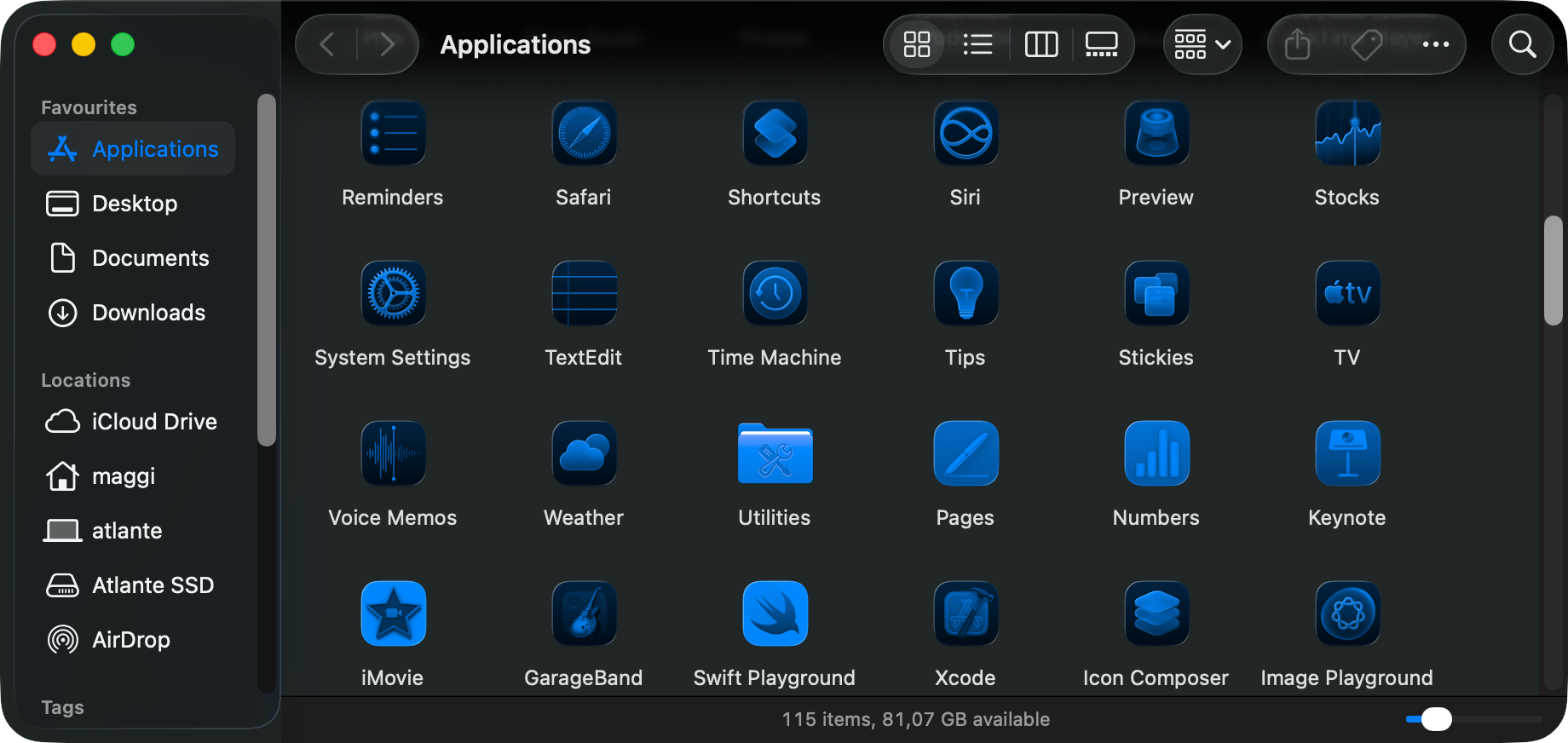
Once the update is complete, it doesn’t take long to realize that Apple is (slowly) modifying something in the Liquid Glass graphical interface of the latest version of its operating system.1
– Image generated by Google Gemini.
Take macOS Tahoe, updated to version 26.0 Developer Beta 2, and open the Terminal. Actually, don’t just open one Terminal; open two, three, four different Terminals, each in its own tab. More or less like this:
Now tell me: which is the active Terminal?
It’s becoming a habit. Earlier this year, instead of waiting, like I usually do, for the next version of macOS to be ready (or nearly ready) before installing the current one, I installed Sequoia on all my Macs. A few days ago, I decided to take the plunge and install the very first developer beta of Tahoe on a Mac that I don’t use much, mainly to try out the new Liquid Glass interface on macOS.1
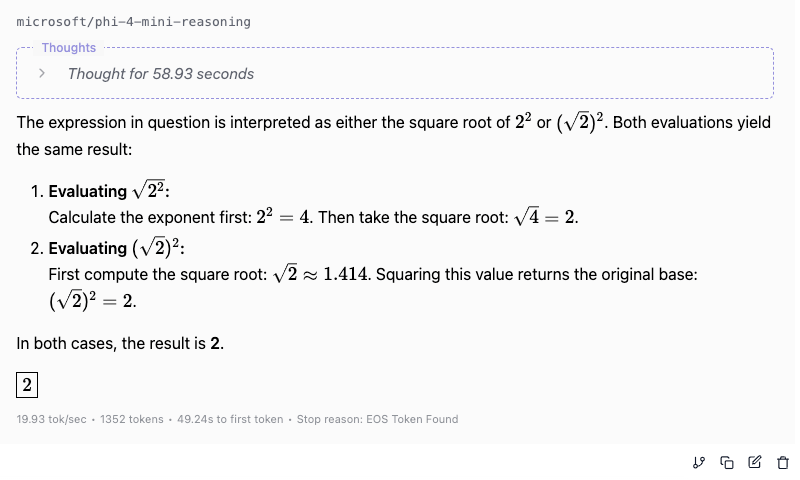
The conclusions of the post on Phi-4 left me stunned. How was it possible that a model like Phi-4 Reasoning Plus, which boasts an impressive 14.7 billion 4-bit parameters and was trained on scientific problems, particularly in mathematics, could have failed so badly?
Comparing LLMs The question I asked Phi-4 Reasoning Plus was basic logic, a fourth-grade student could (and should) have answered it in 10 seconds. ChatGPT had no trouble at all and reasoned exactly as one would expect from the poor student.1
When was the latest truly memorable WWDC? I’d say in 2020, a year that was already memorable in itself, when Apple unveiled the new Macs with Apple Silicon processors, capable of outperforming their equivalent Intel-based models.
I don’t know if what was presented at this year’s WWDC will be just as memorable, but there’s no doubt that Apple has came up with some interesting innovations.
After two long months, I was once again able to play again with LM Studio, and this post was supposed to provide a live description of the responses of some models I had just installed. However, things got out of hand when the first model I put under the magnifying glass, Microsoft’s 4-bit Phi-4, started behaving in strange ways that were worth describing in detail. From that moment on, the post you’re about to read practically wrote itself!
As I was writing about my transition from WordPress to Jekyll, I knew I had to prepare for another change.
From a technical point of view, Jekyll is a fantastic platform: it is easy to program, has impeccable documentation, and works perfectly during the development phase, with a limited number of pages and test posts. But, as I experienced firsthand, when Jekyll is asked to handle a real site with hundreds of posts, performance drops dramatically and response times become unbearably slow (and quite embarrassing, too).
– Source: Markus Winkler on Unsplash.
In the previous post I introduced the LM Studio interface, then tried the default suggested model (DeepSeek 7B) with one of the example prompts.
What we really need, however, is to verify if an LLM is capable of performing those repetitive and somewhat boring tasks that increasingly fall to us and that it’s better to do on our own computer, without having to send confidential documents or documents that could contain sensitive data all over the web.1
 IT
IT
 EN
EN